 LinkedIn
Add your domains
Paste domains or upload a text or CSV list. ProspectDrain normalizes entries and removes duplicates before the run.
Find available public business contacts, keep your research organized, and export the details that move your work forward.
Names in one tab. Emails in another. Phone numbers and profile links somewhere else. Bring the available details together so your team can spend less time copying and more time reviewing who to contact.
Open each domain and hunt for public contact details
Copy names, emails, links and roles into a spreadsheet
Fix duplicate companies and inconsistent columns
Choose your companies, then an extraction profile. Use all-data mode to collect the available names, emails, LinkedIn and social links, phone numbers and job titles in one run.
Paste domains or upload a text or CSV list. ProspectDrain normalizes entries and removes duplicates before the run.
Run emails only, LinkedIn only, social media only, or all available contact data. Follow progress in the Client Area.
See which domains returned data. Download individual CSVs, one combined CSV, or a ZIP of available files.
Bring scattered public contact details into a consistent file. Review full names, emails, LinkedIn profiles, social media links, phone numbers and job titles when the source provides them. Keep the columns you need for your own research and outreach workflow.
Use names and job titles to assess relevance, profile links to add context, and available emails and phone numbers to plan your next step.
Start with the companies you want to reach and review available people and business contact details in one export.
Separate results by domain and combine the available records when your team needs a single file.
Turn a shortlist of companies into structured data you can inspect before deciding who belongs in your campaign.
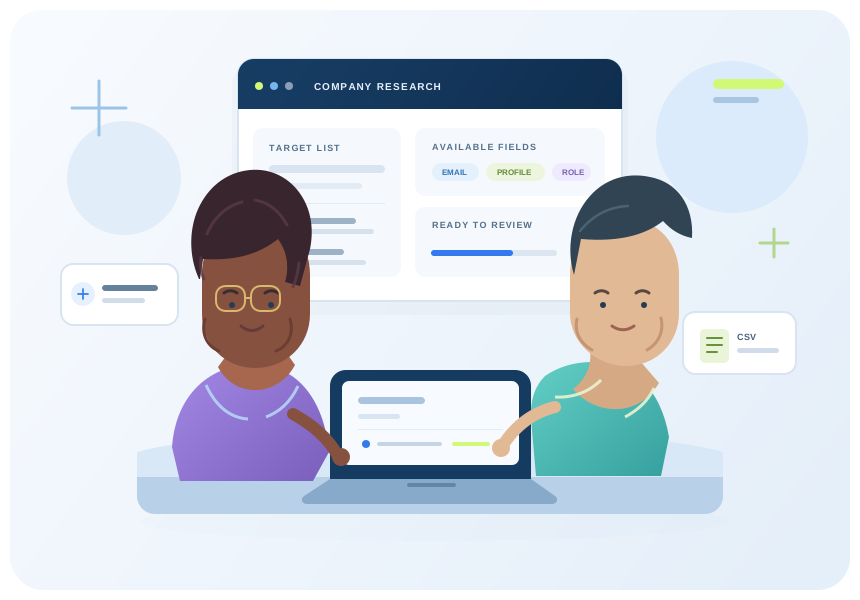
ProspectDrain organizes the public contact details available for your target companies, so your team can review the list and decide who to contact.
Source pages can change, be unavailable, or contain no usable contacts. A found email is not a verified deliverable address, and a contact is not a qualified or interested buyer. ProspectDrain helps collect and organize available data; your team reviews it before outreach.
Try collecting these contact details from your own domains first. Every plan includes all four extraction profiles. Upgrade for larger runs and Domain Discovery. Basic is for email search. Growth and Scale include Pro for email and company search in one workspace.
250 exported contact rows per month. All four extraction profiles included.
Card subscriptions renew monthly.
1,000 exported contact rows per month. All four extraction profiles included.
Card subscriptions renew monthly.
2,000 exported contact rows per month. All four extraction profiles included.
Card subscriptions renew monthly.
Card plans renew at $99 / $249 / $399 per month after any first-month promotion. Crypto access is prepaid for 30 days and requires manual payment verification. Exported contact rows count toward the plan allowance. Source availability and results vary.
Know what you’re getting before your first run. Explore the workspace, check the source limits, and try your own domains.
Public business information, with availability and limitations explained.
Four extraction profiles so your research stays focused on the details you need.
Inspect your results and download organized CSV or ZIP files.
There are no published customer reviews yet. After your service is delivered, share your experience in the Client Area. Approved feedback will appear here.
Share your experience Customer-submitted. Published after review.Understand which contact details can appear in your export, how availability varies, and what each plan includes.
Extraction Studio reads public source pages and captures available full names, emails, LinkedIn profiles, social media links, phone numbers and job titles, plus company information when present. Each processed domain can produce a CSV file.
Create a free account to enter up to 10 unique domains, or choose a paid plan for larger runs and Domain Discovery. Sign in to the Client Area, open Extraction Studio, and select the fields you need.
ProspectDrain collects contact information available on public business pages and organizes it for review. A found email has not been confirmed as deliverable, and a contact has not been confirmed as a current employee or interested buyer.
Your Client Area keeps saved run history and lets you download individual CSV files, a combined CSV or a ZIP of the available results. All-data mode includes match-ratio rows and contact fields when present.
Yes. Free accounts can search 10 unique domains in total. Paid plans support larger lists and Domain Discovery, with exported contact rows counting toward the plan allowance.
Some public source pages contain no usable records, change their structure, or cannot be reached. The run shows its outcome; submitting a domain does not guarantee a contact row.
Create a free account and search up to 10 unique domains. See which names, emails, profile links, phone numbers and job titles are available for your target companies.